
This week I learned to play
You might have seen my entry for Jakesprinter’s Sunday Post this week. Now I love Jake’s challenges, but the subject was Black & White and I had no idea what I was going to post if it wasn’t old wedding photos.
The current tendency to edit photos has completely passed me by, aside from a little judicial cropping. I usually like my photos to look the way I see them through the camera. So I had little idea what could be achieved, until I opened up Photo Express. “Tint” provided the perfect solution for Jake’s challenge, but there was a whole box of tricks that I’d never even noticed before.
Exit boring old stick-in-the-mud Jo, enter Jo at the cutting edge (I always did like to exaggerate). And I learned to play.
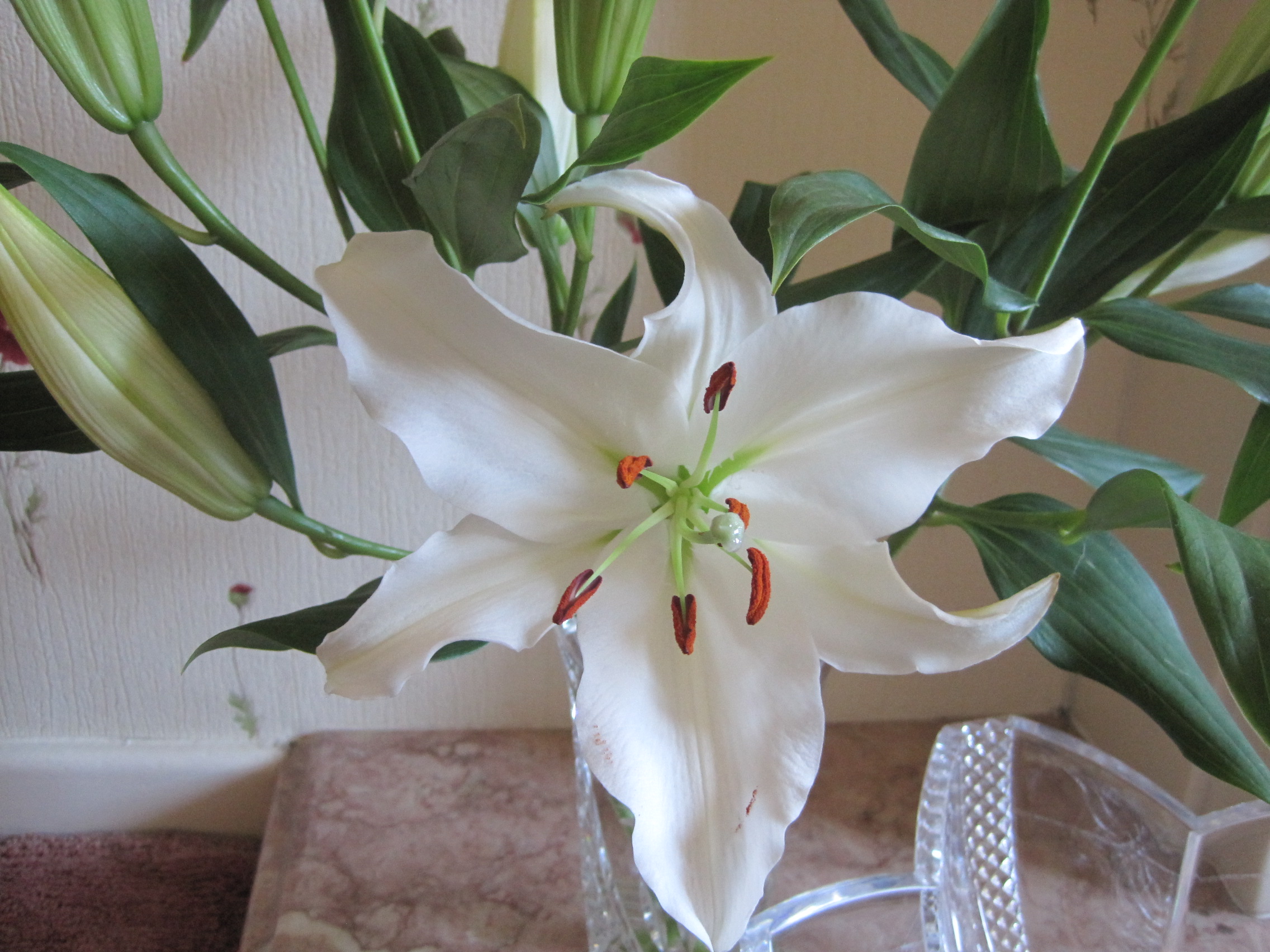
became
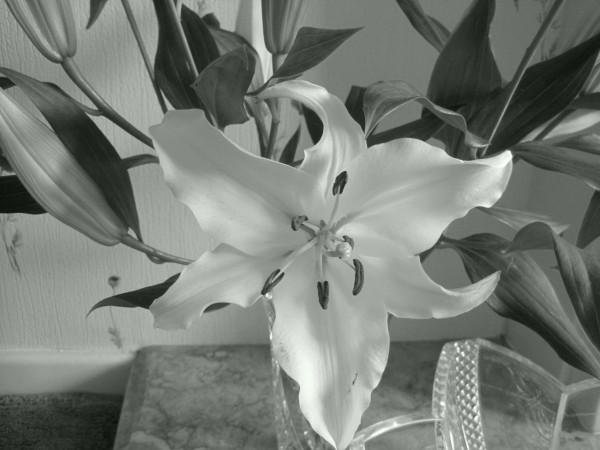
became
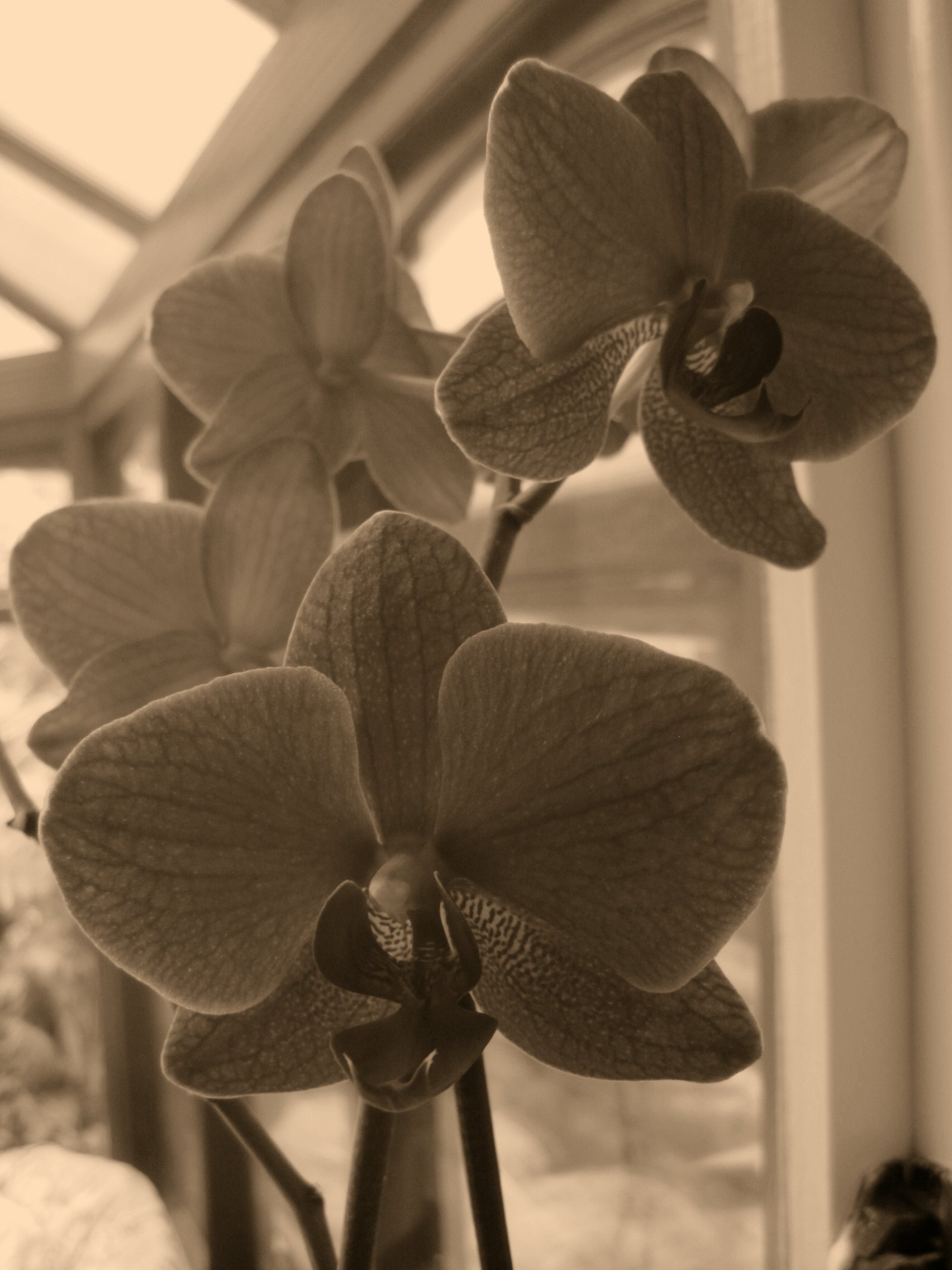
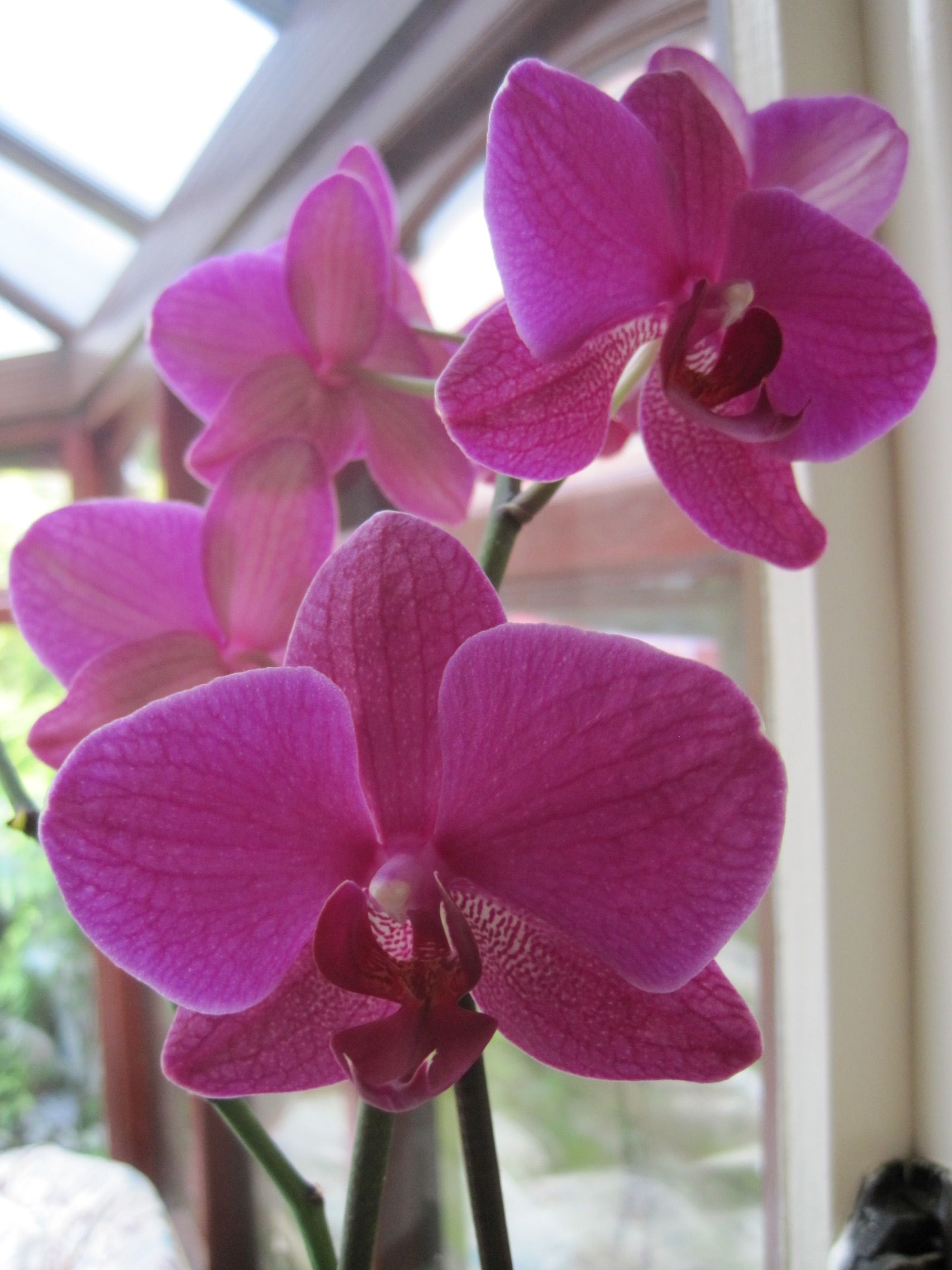
Then I got a bit more adventurous.
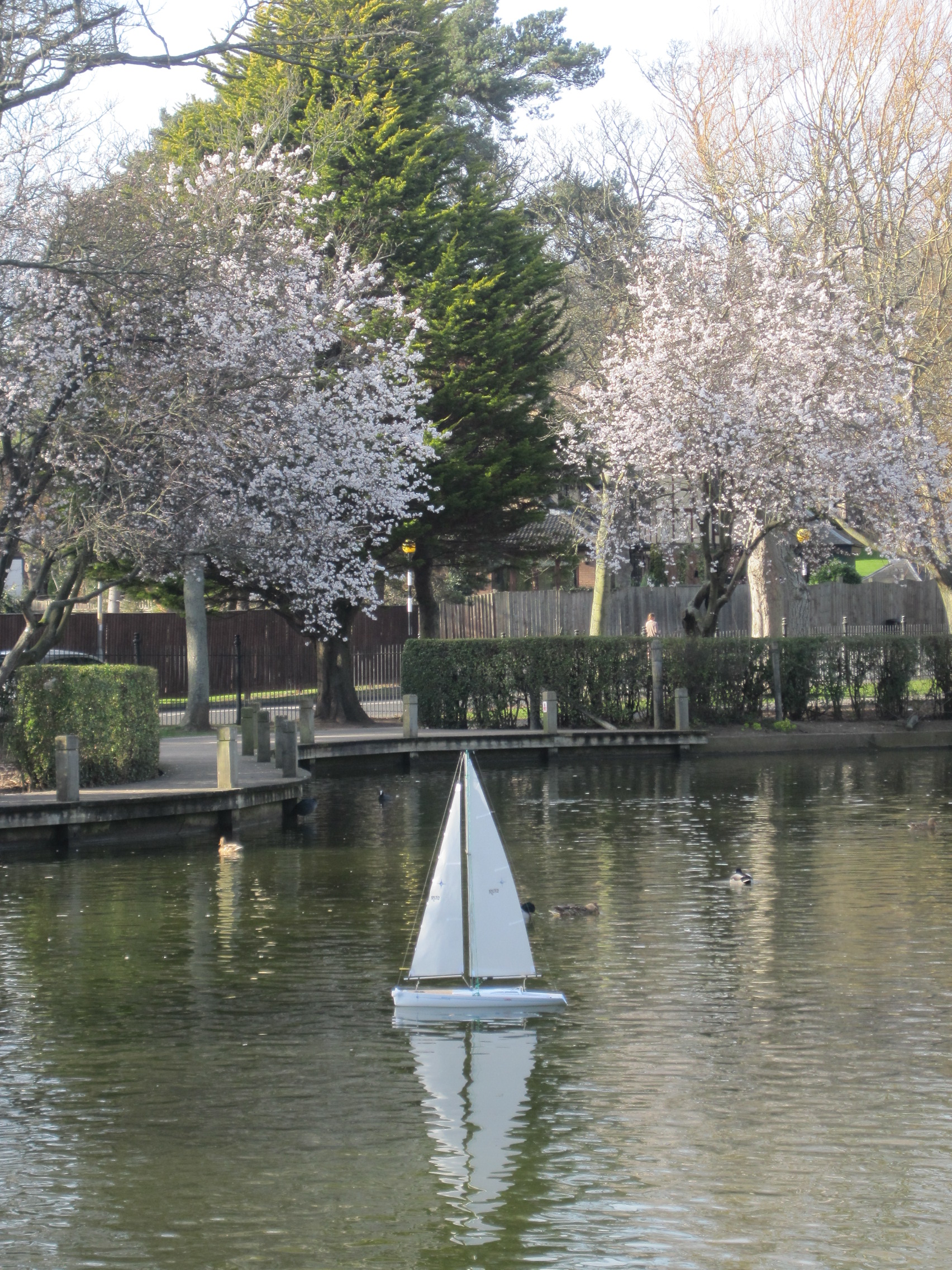
became

and
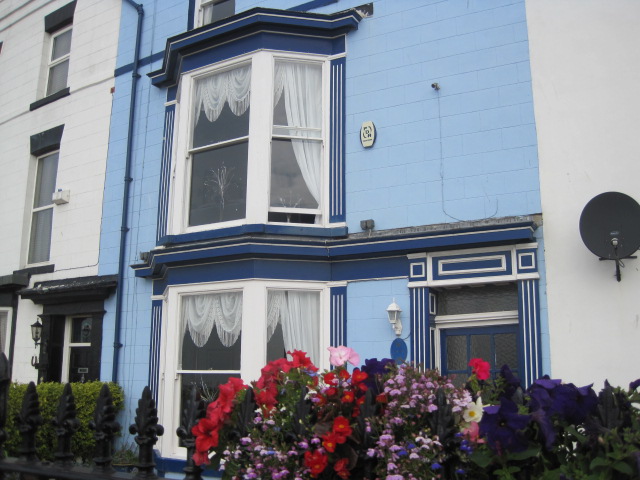
became
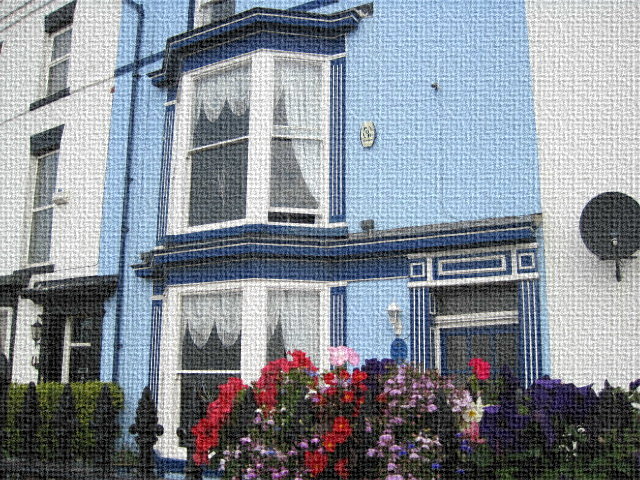
Fabric effect, you see? I quite liked that.
So I tried another
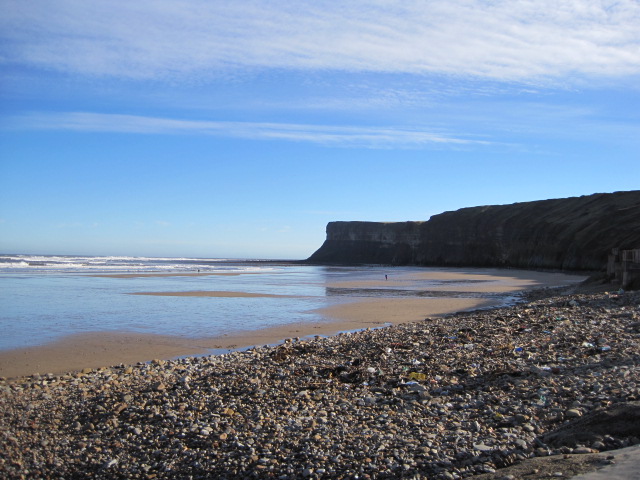
became
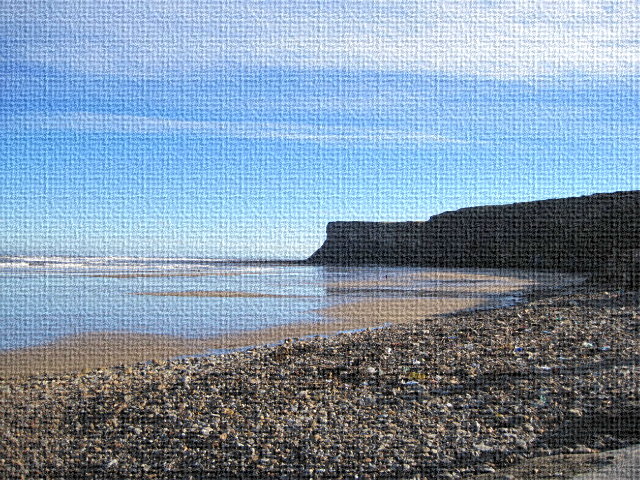
So then I went a little wild, and
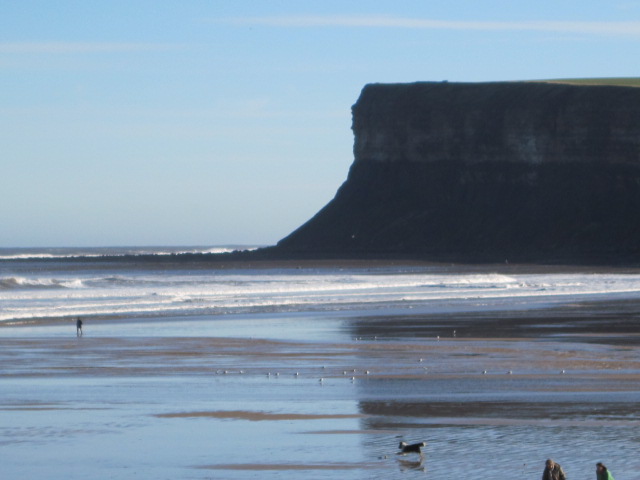
became

Bubbles chasing along the beach. Kind of cute?
Now don’t laugh at me. I know I’m not very accomplished. But I AM learning, be it ever so slowly. There were lots of effects I didn’t really like, and others I didn’t quite know how to use. I doubt my little bit of learning is going to radically change the look of my posts, but you never know.
By the way, does anybody know if you can turn black and white photos into coloured?
So that’s my 6WS for this week and I have Cate at Show My Face to thank for being so tolerant. If you’d like to join in, the link or the banner will take you to Cate’s page for more details. Or you can have a look back at my efforts to entertain.

 restlessjo
Oh how wonderful, I have a blockage when it comes to anything except email and surfing the net , Just learned last year how to post pics in blog now you show thisw and I am excited to learn so thank you not only for sharing your beautiful photos but the difference with office 10 thank you so much!
LikeLike
You’re so welcome, Len. The hardest part is getting started, but it really isn’t difficult when you go step by step. Believe me, if I can do it, you’re more than capable. Give it a go!
LikeLike
I shall give it a go just because I love the challenge and you have inspired encouraged me. !!
LikeLike
Then that was a post worth writing, Len. Glad I did.
LikeLike
Playing, is so good for the soul! Good for you!
LikeLike
Thanks Karen. Enjoying a wet Saturday in spite of the weather.
LikeLike
cool! I espec. appreciate the originals, and the fabric effect…I think I’ll download another photo editing app! You’ve inspired me…
LikeLike
Good! Anytime you can have harmless fun, why not?
LikeLike
Bravo for your efforts! I am not even smart enough to try! Ha! These are good! Loved the bubbles on the beach!!!
Happy Saturday!
LikeLike
Hey Linda- if I can, I’m sure you can. What’s life without a few bubbles?
LikeLike
your pictures are beautiful…and the fact that you are playing with them is great!
LikeLike
Thanks Brenda. Got to keep Alzheimers at bay somehow!
LikeLike
Enjoy your work Jo, and its products. I did. 🙂
I use Google Picasa and it is more limited at least the way I use it.
Like my old VCR, it might have features I don’t know how to use.
..
LikeLike
Us dinosaurs have to stick together, Jim. Just once in a while I get a little spark of something. Never going to invent fire, though.
LikeLike
My grandfather invented the fire. He was ancient.
LikeLike
I can see it now: you’re gonna end up in Photoshop Rehab. Put down the mouse and back away from the keyboard slowly, Jo.
LikeLike
Tell you what, I’ll go put the kettle on and make a strong brew immediately, Ron.
LikeLike
Would never laugh.
Argh. Right there with you!
Don’t know about black and white to color. See? Computer moron that I am. But we always need to keep on learning.
Great work. Love the bubbles. 😀
LikeLike
Thanks Gem! Talented people keep supplying me with answers, but whether I’ll be able to make them work is another matter. Me Ma always said the world loves a trier.
LikeLike
You sound like me!I used to have NO idea why people would mess around with photos but then one day I turned a colour photo into a black & white one and I caught the bug! I liked the bubble one especially 🙂
LikeLike
It worked great for a beach shot, Jess. Wasn’t so keen on the stars and firefly type effects. Just nice to know a few tricks, even if you don’t use them much.
LikeLike
How fun to see the changing of colors and texture! The bubbles chasing is really cute! Great post, Jo!
LikeLike
Thanks Amy! I tried several versions of that because I didn’t want to lose the dog or the few people on the beach behind a bubble. Works well with a beach, I think.
LikeLike
I love seeing the before and after shots! I’m not very good at changing photos either, but I’ve started playing around more using iPhoto on my Mac notebook. I really want to try out some of the better photo programs…. Those fabric textured pictures are really cool!
LikeLike
Yes, and EASY too, Cath. I thought it was quite effective.
LikeLike
OOHHHH what fun, Jo!!
I use Picasa, and sometimes while away a few hours playing around with special effects. It´s amazing what can be done!
LikeLike
I was a dismal failure at erasing, Marianne, unless you like a patch of white in the middle of your sky blue. I would’ve pretended it was a cloud, but it was on a wall!
LikeLike
Photo editing software can be almost as much fun as taking the pictures.
LikeLike
I was quite impressed Wayne, but I don’t think it’ll become a way of life with me.
LikeLike
I love fiddling about with photos too – there’s some artistic filters in Photoshop where you can make photos look like paintings. I have a couple on my wall that look like watercolours and have managed to fool a fair few people with them!
LikeLike
Is Photoshop expensive,Lucy? It seems to be most people’s preference, though some say Picassa’s good too. I’m just low tech/ easy life!
LikeLike
Photoshop is a bit expensive, but Photoshop Elements is much cheaper and can do a lot of the same things – I just bought my mum a copy and it was about £50.
LikeLike
Thanks hon! Christmas pressie, maybe? I’m not good enough to warrant the outlay.
LikeLike
Lovely photos- well done !!
LikeLike
Thanks Stella. I liked the beach ones anyway (they’re at Saltburn, not too far away) but it was fun to experiment.
LikeLike
Looks like you had fun! I used to use Photoshop Elements, but it’s on my old laptop and it won’t work on this laptop. 😦
LikeLike
Hi Elaine! Photo Express is our cheap option I suspect so I was just using what we had. Viv’s suggestion Of Microsoft Office 2010 seems a good one though.
LikeLike
oooh good question re the ‘can you turn a black and white into colour’ ./..
well… if it was originally a colour one then you can ‘reverse it’ back
In Photoshop it’s quite easy to turn it into a nice old fashioned sepia effect…
and with some skill you can ‘hand tint’ a photo with gentle washes of colour to ‘colour’ it in – needs a steady hand a quite a few hours if it’s a big image…
you have only just begun to explore it all Jo – you wait til you see what Photoshop can do …. save up for the latest version of Elements (you don’t need a pro version!) and then you can really have some fun!!!
LikeLike
Ahh, ask the expert! I should’ve known you’d be the one for this, Aly. Truth be known, I do usually prefer to record what I’ve seen with my eyes. If it was good enough that I wanted a shot of it in the first place then that’s what I want to see, and I don’t need to play.
I have a couple of B & Ws from the wedding that I don’t have in colour and that’s what prompted the question. I know I’d have neither the skill nor the patience to do it. I tried using the eraser out of curiosity and the resulting white smudge on a blue background wasn’t a good look! Best left to them that can, but thanks for your efforts to turn me into a proper photographer. Got the Bank Holiday blues here in rainy Britain. Enjoy your sunshine.
LikeLike
It’s fun to experiment Jo. I’m glad I’m not the only one still learning, but it does take time.
LikeLike
Yes, and I get very frustrated if I don’t get the result I want right away, Dave. Patience isn’t my strong suite!
LikeLike
I love to see the before and after shots!
LikeLike
I could have played this game all evening Naomi. (in fact I did!)
LikeLike
Looks you’ve been having great fun!!
Some photos look so much better in black and white, while others really work better as colour so it’s often worth thinking about that. If you do change a photo to black and white it’s usually worth playing with the light levels a bit and making the blacks a little blacker and the highlights a little whiter.
LikeLike
Oh Kathryn, I don’t think I even know how to change the light levels! That’ll have to be my next lesson.
LikeLike
You can do it by increasing the contrast in Microsoft Office 2010, which is what I use for my photographs. Click on brightness and contrast, and move the slider in the window that comes up, until you are satisfied. I can’t do Photoshop, but Office 2010 is easy – when you want to work on a picture, right click on “open with” in the file name.
LikeLike
Wonderful Viv. I’m impressed with your knowledge. I’ve only just started with Photo Express because it’s the one we have uploaded (probably free!) and I wouldn’t have thought of using Office. I’ll give it a go. Thanks!
LikeLike